
Sleep Tracking Apps for Sleep Consultants: Features, Pros, and Drawbacks
In this guide
- What sleep tracking apps do
- Popular sleep tracking apps and their features
- Pros of using sleep tracking apps with clients
- Cons and limitations you need to know
- Common mistakes sleep consultants make with tracking apps
- How to use tracking apps effectively in your practice
- Frequently asked questions
Parents love data. Especially new parents who are exhausted and uncertain whether their child is sleeping normally. Enter sleep tracking apps. They promise clarity, patterns, and proof that your child is sleeping better. As a sleep consultant, you'll encounter clients who use them, ask about them, or wonder if they're worth their time.
Here's what you need to know: sleep tracking apps aren't a replacement for good sleep consulting. They're a tool. And like any tool, they work best when you understand what they do, what they don't do, and when to recommend them or suggest a different approach.
What Sleep Tracking Apps Do
Sleep tracking apps work by asking parents to log sleep manually or by connecting to wearable devices. Parents enter when their child went down, woke up, and any night wakings in between. The app then creates a visual record of sleep patterns over days and weeks.
Most tracking apps show you:
- Total sleep duration — how many hours per 24-hour period
- Nap patterns — how many naps, duration, consistency
- Night sleep breakdown — bedtime, wake time, number of night wakings
- Sleep trends — how patterns change over time
- Sleep quality indicators — some apps score sleep based on consistency, duration, or timing
- Correlation features — the ability to log variables (like diet, teething, sickness) and see if they correlate with sleep
That's it. They're data loggers with graphs. They don't diagnose sleep disorders. They don't determine if a child has a problem. They just show what's happening.
Popular Sleep Tracking Apps and Their Features
Several apps are widely used by parents. Here's what distinguishes them:
| App | Key Features | Age Range |
|---|---|---|
| Rested | Simple manual logging, activity tracking, sleep quality scoring, correlation features, designed specifically for infant/toddler sleep | Newborn to 5 |
| Huckleberry | Manual logging, data tracking, AI recommendations for nap times and bedtimes, growth milestones, integration with some wearables | Newborn to 3 |
| Baby Sleep Tracker | Quick logging, visual charts, feeding and sleep sync, cost-effective, minimalist interface | Newborn to 5 |
| Nanit | Requires smart camera hardware, automated sleep detection (no manual logging), video monitoring, breathing monitoring on newer models | Newborn to 3 |
| Apple Health / Google Fit | Integration with wearables (smartwatches, fitness trackers), automatic data collection, basic sleep metrics, free with existing devices | All ages |
The differences matter. Some apps require hardware investment (like Nanit's camera). Others are free or low-cost. Some automate data collection. Others rely entirely on parent logging. That choice affects whether parents will stick with tracking or abandon it after two weeks.
Pros of Using Sleep Tracking Apps With Clients
When tracking apps work, they work well. Here's why some of your clients will find them valuable:
Visibility into actual sleep patterns
Parents' memories are terrible about sleep. They remember the one terrible night but forget the five good ones. They think their child wakes "all the time" when it's actually twice a night. Tracking apps remove guesswork. You can see exactly what's happening, not what the exhausted parent thinks is happening. This gives you real data to work with during your Sleep Assessment Call and throughout your consultation.
Proof of progress
Parents implementing your sleep plan want proof it's working. A graph showing that night wakings decreased from six to two over three weeks is powerful. It builds confidence and motivation to keep going through the harder adjustment phase. I've seen tracking data turn a discouraged parent into a committed one.
Identifying patterns and triggers
Good tracking apps let parents log what they're doing alongside sleep data. Teething? Logged. Daycare transition? Logged. New bedtime? Logged. Over time, patterns emerge. You might notice that sleep degrades every time the child gets sick or that naps improve when bedtime shifts earlier. This takes guesswork out of troubleshooting.
Keeps parents engaged in the process
Parents who track sleep are paying attention to sleep. They're noticing details, thinking about patterns, and staying accountable to your sleep plan. The act of logging creates a feedback loop that keeps the work front-of-mind. This is especially helpful in the early weeks when consistency matters most.
Cons and Limitations You Need to Know
Tracking apps aren't perfect. And for some clients, they're more problem than help:
Data accuracy depends on parent logging
Manual tracking apps rely on parents remembering what happened. If a child woke at 2 AM and the parent was half asleep, the logged time might be off by 30 minutes. If a parent forgot to log a nap until evening, the data's skewed. Some parents log obsessively and accurately. Others log sporadically and guess at times. You're only as good as the data you receive.
Tracking can become obsessive
Some parents become attached to the numbers. They check the sleep score multiple times a day. They panic if one night doesn't look "perfect" according to the app's standard. They start making parenting decisions based on what the app recommends rather than what feels right for their family. This is exactly what you don't want. Sleep consulting is about building sustainable habits, not achieving app-perfect numbers.
Cost adds up quickly
Some apps are free or under five dollars a month. Others cost 10 to 15 dollars monthly. A few require upfront hardware investment (Nanit's camera runs 200 to 300 dollars). Commiting to another subscription might feel like too much. Cost can be a real barrier.
Parents misinterpret the data
An app might score a night as "poor" because the child woke once, even though that's completely normal. A parent sees the low score and thinks something's wrong. Or an app recommends a specific nap time based on an algorithm, and the parent assumes that's what their child "needs" when really, it's just a suggestion built on average data. You'll need to help parents interpret app data critically, not take it as gospel.
Apps can't explain why
A graph shows that sleep got worse last week. But the app can't tell you why. It's your job as the sleep consultant to dig in. Is the child teething? Sick? Did bedtime shift? Did the family travel? Did something change at daycare? The data is the starting point. Your expertise is what makes sense of it.
Common Mistakes Sleep Consultants Make With Tracking Apps
Assuming every client needs to track sleep
Not every parent is a tracker. Some find it overwhelming. Some are too sleep-deprived to remember to log anything. Some prefer to just follow your guidance without data validation. Respect that. Tracking is optional. It's helpful when clients are interested, but it's not required for sleep consulting to work. You don't need an app to help a child sleep better.
Recommending an app without explaining how to use it
If you suggest tracking, guide your client. Tell them which app to start with. Tell them what to log and what to ignore. Tell them how often you want to see the data. Tell them that one bad night doesn't invalidate the plan. Without this context, parents get confused or overwhelmed and abandon tracking entirely.
Letting app data override your professional observation
An app says the child is sleeping well. But the parent tells you the child is cranky and waking multiple times. Trust the parent's lived experience. Tracking apps are a tool for understanding, not the final truth. If the data and the reality don't match, dig into why.
Starting tracking after the plan begins, not before
If tracking would be helpful, ask clients to start logging sleep for a few days before implementing your plan. This creates a baseline. Then, when they implement your recommendations, you can actually see the difference the plan made. Starting tracking after changes begin makes it hard to measure impact.
How to Use Tracking Apps Effectively in Your Practice
If a client is interested in tracking, here's how to make it work:
Step 1: Assess whether your client actually wants to track
On your Sleep Assessment Call, notice if the parent mentions tracking or asks about it. If they do, it's a sign they're interested in data. If they don't mention it, don't push it. Some parents just want to follow your guidance and see results.
Step 2: Recommend one specific app based on their situation
Don't give a list. Choose one. If they want something simple and free, suggest one app. If they want detailed insights and don't mind cost, suggest another. If they want automatic tracking without manual logging, suggest a different option. Your recommendation means they'll actually use it.
Step 3: Set clear expectations about what to track and when
Tell them: log bedtime, wake time, and night wakings. That's it. Don't worry about naps if they don't want to. If you want to see the data weekly, tell them that. If you'll review it monthly, say so. Make it simple so they follow through.
Step 4: Help them interpret the data
When you review the tracking data together, translate what it means. "See how the night wakings went down after the bedtime shift? That's exactly what we expected." Or, "That one rough night was likely from teething. The rest of the week looks consistent with the plan." Help them read the graph, not just see the numbers.
Step 5: Know when tracking stops being useful
Once the sleep plan is working and the parent is confident, tracking becomes less necessary. Give them permission to stop. You might say, "You've got this now. You don't need the app anymore. Trust what you're seeing." Tracking is a training wheel, not forever.
Frequently Asked Questions
Should I require clients to use a tracking app?
No. Tracking is optional. Some of your best results will come from clients who don't track at all. They just follow your plan and trust it works. Offer tracking as a tool for those who want it, not as a requirement.
Can I sell a sleep consulting package that includes an app subscription?
You can, but be transparent about the cost. Let clients know you're recommending an app they'll need to purchase separately or that you're bundling the subscription into your package price. Don't surprise them. Some consultants offer the first month free or discounted to get clients started, then it's their responsibility going forward.
What if a client wants to track, but I think tracking will make them anxious?
Have the conversation. Say something like, "I love that you want to track progress, but I'm a bit concerned it might feed into anxiety about sleep. How about we try it for one week, and if it feels stressful, we stop?" Give it a trial and adjust.
Is there one "best" tracking app for sleep consultants to recommend?
No single app is best for everyone. It depends on the parent's tech comfort, budget, and what they want to track. Spend time testing a few apps so you can recommend from experience. Then, match the app to the client, not the other way around.
Can app data diagnose sleep disorders or wake time issues?
No. Tracking apps show patterns, but they don't diagnose. If you suspect a sleep disorder, refer the parent to their pediatrician. If wake time seems problematic, dig into the context with your expertise. Don't rely on an app's scoring to determine if there's a real issue.
Key Takeaways
- Tracking apps are optional tools, not requirements. They help some clients see progress and patterns, but they're not necessary for successful sleep consulting.
- Different apps serve different needs. Some are free and simple, others cost monthly, and some require hardware investment. Match the app to what the client actually wants.
- Data accuracy depends on parent follow-through. If tracking feels overwhelming, parents abandon it. Keep it simple: log bedtime, wake time, and night wakings. That's enough.
- Your expertise trumps app recommendations. Apps can suggest nap times or sleep scores, but you understand the individual child and family. Trust your sleep consulting knowledge over app algorithms.
- Watch for obsession and anxiety. Some parents become too attached to app numbers. Set clear expectations and give them permission to step back if tracking becomes stressful.
- Tracking is a training wheel, not forever. Once your plan is working and parents have confidence, they can stop tracking. You don't need an app to maintain good sleep habits.
Ready to refine how you work with clients? The guide to running a Sleep Assessment Call walks you through how to discuss tools and tracking in that conversation.
Disclaimer: The information shared in these articles is for educational and informational purposes only. It does not constitute legal, financial, or professional advice. Always consult with a qualified professional regarding your specific situation.

Rianna Hijlkema
Certified Pediatric Sleep Consultant, Certified Postpartum Doula, Former Teacher & School Director, Founder of Sleep Consultant Design & Sleep Consultant Business and the author of The Sleep Consultant Playbook (available on Amazon).
The Sleep Consultant Newsletter
Weekly tips, strategies and marketing ideas for sleep consultants written by a fellow sleep consultant. 1500+ active subscribers!
I’ll only send helpful emails, and you can unsubscribe anytime with one click.
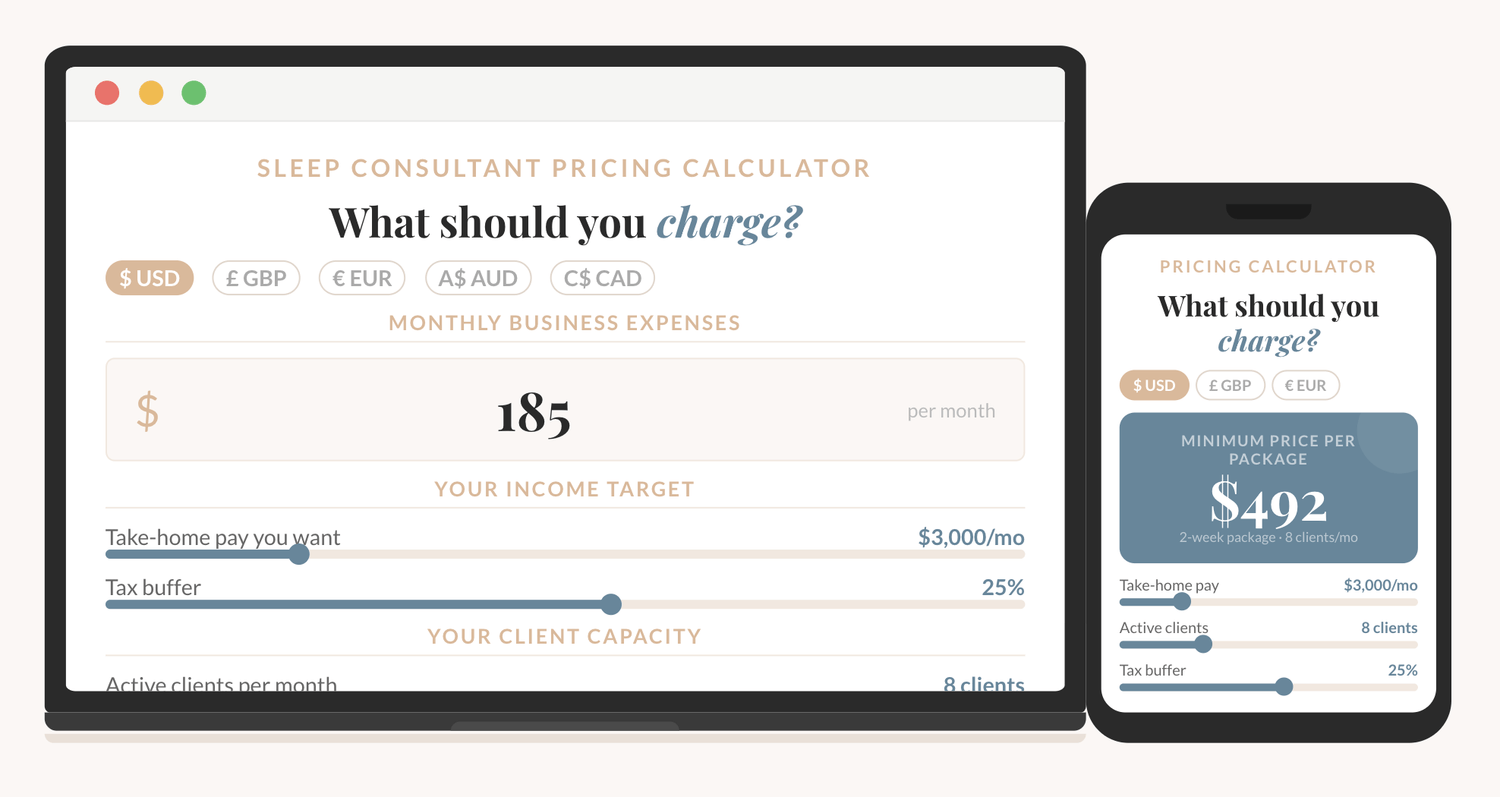
How to price your sleep consulting services?
The Sleep Consultant Pricing Calculator shows you exactly what to charge, based on your real expenses, your income goal, and how many clients you want to take on.
I'm thrilled to offer you an exclusive preview of what’s inside!
You can read the first 22 pages of The Sleep Consultant Playbook and get a taste of the value, insights, and actionable strategies that are waiting for you.
Other articles you might be interested in:
© 2021-2026 Chasing Excellence LLC. All Rights Reserved.