
Costly Website Mistakes Sleep Consultants Make (and How to Fix Them)
The seven most common and costly DIY website mistakes sleep consultants make are: uploading images in the wrong file format, using stock images without checking licensing, neglecting the above-the-fold section, missing meta descriptions and alt text, not making the site mobile-friendly, skipping the privacy policy, and failing to connect Google Analytics. Most of these take under an hour to fix and make a real difference to how clients experience your site and how search engines rank it.
In this guide
- The DIY website reality
- Mistake 1: Images in the wrong file format
- Mistake 2: Using images without checking licensing
- Mistake 3: A weak above-the-fold section
- Mistake 4: Missing meta descriptions and alt text
- Mistake 5: Not mobile-friendly
- Mistake 6: No privacy policy
- Mistake 7: No Google Analytics
- Website audit checklist
- Frequently asked questions
The DIY Website Reality
Hiring a web designer feels like a big investment when you're just starting out. So most newly certified sleep consultants build their own site. That's completely fine. A DIY website built thoughtfully is better than no website, and better than an expensive site you waited months to afford.
The issue is that DIY websites tend to carry the same set of fixable mistakes. The person building them is capable. Nobody told them what to look for. These aren't design problems requiring a professional eye. They're technical details that anyone can address with the right checklist.
Go through this list against your own site. Fix what needs fixing. Then move on. Your website's job is to get parents from "I found this person" to "I want to book". Every one of these mistakes creates friction in that journey.
Mistake 1: Images in the Wrong File Format
This one is simple but has a real impact on how fast your site loads. Big, heavy image files slow your website down, and a slow website loses visitors. Research consistently shows that even a one or two second delay in load time significantly increases the number of people who leave before the page finishes loading.
The fix: Use JPG format for photographs. JPGs are compressed and load fast without visible quality loss. Even better, convert your images to WebP format (a modern web format with better compression than JPG) before uploading. Free tools like Squoosh or TinyPNG will do this in seconds. As a rule of thumb, no image on your website should be larger than 200–300KB. If you're uploading anything over 1MB, that's slowing your site down.
PNG is appropriate for logos and images that need a transparent background. SVG is best for icons and logos at any size. For everything else on your site (hero images, blog photos, team photos) use JPG or WebP.
Mistake 2: Using Images Without Checking Licensing
Canva is the go-to design tool for most sleep consultants building their own brand and website, and rightly so. It's accessible, flexible, and has an enormous image library. What many consultants don't realise is that Canva has specific licensing limits on how their content can be used. Certain images are licensed for personal use but not for commercial use in a website or blog. Some are only available on the paid plan. Using them outside the terms of your licence can create legal exposure.
The fix: Before using any image from Canva or any stock photo platform, check the licence for that specific image. In Canva, click on any element and look for the licence details. For a free alternative with genuinely open licences, use Pexels or Pixabay (which you can access directly inside Canva by going to Apps in the left menu). Both offer large collections of royalty-free images with no commercial restrictions.
Better still: use your own photos wherever you can. A real photo of you in your working environment, or images that authentically reflect your brand, always land better than stock images that every other sleep consultant might also be using. And they carry zero licensing risk.
As a Sleep Consultant, every image on your site that features a baby or a sleep environment should reflect safe sleep guidelines: baby on their back, firm flat surface, no loose bedding, no pillows or soft toys in the cot. Your visuals send a message about your expertise. An image that contradicts safe sleep best practice undermines your credibility immediately.
Mistake 3: A Weak Above-the-Fold Section
The "above the fold" section (ATF) is everything a visitor sees without scrolling. It's the first impression. If that section doesn't immediately tell a parent who you are, who you help, and what to do next, many of them won't scroll to find out more.
Your ATF should contain all of these:
- A clear statement of who you help and how. Not "welcome to my website." Not just your business name. Something like "Helping exhausted parents of babies and toddlers sleep through the night, gently, consistently, and without the guesswork."
- A strong tagline that reinforces your unique approach or value in a single memorable line.
- An image that resonates with your ideal client. Warm, relatable, and authentically connected to what you do.
- A clear call to action (CTA). One button. "Book a free Sleep Assessment Call" or "Get started today." One. Not three different options asking them to do different things.
- A trust signal above the menu. A short client win, your certification, the number of families you've helped. Something that immediately signals credibility before they've read anything else.
Put 90% of your website energy into this section. If someone lands and immediately understands the value and knows what to do next, your website is doing its job. Everything else is secondary.
Mistake 4: Missing Meta Descriptions and Alt Text
Google wants to help parents find you. Google can't read your mind. It reads what you tell it. Meta descriptions and alt text are two of the clearest signals you can send.
Meta descriptions are the short summaries that appear under your page title in search results. They don't directly affect rankings, but they affect whether someone clicks through. A compelling meta description that speaks directly to what an exhausted parent is searching for gets clicks. A blank one (where Google generates something generic from your page content) often doesn't.
Every page on your website needs a unique meta description of 150–160 characters that summarises what the page offers and who it's for. Write these in your website builder's SEO settings. Most platforms (including the one behind your Sleep Consultant Business Operating System™) have a dedicated SEO field for each page.
Alt text is a short description added to every image. It serves two purposes: it helps visually impaired visitors understand what an image shows, and it tells search engines what your images are about. An image of a sleeping baby with no alt text is invisible to Google. The same image with alt text "newborn baby sleeping peacefully in a safe sleep environment" adds context that helps your page rank for relevant searches.
Go through every image on your website and add descriptive alt text. It takes an afternoon and the SEO benefit compounds over time.
Mistake 5: Not Mobile-Friendly
This one is non-negotiable. Over 60% of all web traffic comes from mobile devices. For sleep consultants, the number is often even higher. An exhausted parent searching for help at 2am is doing it on their phone, not their laptop. If your website doesn't work well on mobile, you're losing the majority of your visitors before they've even read your services page.
"Mobile-friendly" means more than "it loads on a phone." It means:
- Text is readable without zooming in
- Buttons are large enough to tap with a thumb
- Images don't overflow the screen
- The navigation menu works on a small screen
- Pages load within three seconds on a mobile connection
The fix: Open your website on your phone right now and scroll through every page. Then send the link to two people and ask them to do the same on their phones. If you used a website template, the template should handle mobile responsiveness, but check it on actual devices rather than relying on the desktop preview. Google's free Mobile-Friendly Test tool also gives you a quick report on issues.
Mistake 6: No Privacy Policy
If your website has a contact form, a booking link, an email opt-in, or Google Analytics, it's collecting personal data. GDPR (Europe), CCPA (California), and equivalent regulations in other jurisdictions require you to tell visitors what data you're collecting and why. A missing privacy policy is not a minor oversight. It's a legal liability and, in some cases, a finable offence.
Write your own (using a reputable generator like Termly or iubenda) or have one drafted. Do not copy it from another website, not even a competitor's. The policy needs to reflect your actual data practices, and a copied policy that doesn't match what you actually do offers no protection. For the full breakdown of what your policy needs to cover, see Is Your Sleep Consultant Website Footer Missing These Legal Essentials?
Mistake 7: No Google Analytics
If you don't know how many people are visiting your site, where they're coming from, which pages they're reading, or how long they're staying. You can't improve any of it. Running a website without analytics is like running a business without looking at your bank account. The data is there, but you can't act on what you can't see.
Google Analytics is free and gives you everything you need to understand your website's performance. You don't need to analyse it daily, but you do need it running from the start, because it can only show you data from the point it's connected. Every month you wait is a month of data you'll never have.
How to set it up:
- Go to analytics.google.com and sign in with your Google account
- Click "Create" and set up a new Property for your website
- Follow the prompts to get your unique tracking ID or tag
- Add the tag to your website (most website builders have a dedicated field for this in the site settings)
- Use Google's Tag Assistant Chrome extension to verify it's working
You don't need to do anything with the data right now. Set it up, let it run, and you'll have meaningful insights to work with once you're in growth mode.
Website Audit Checklist
- All images are in JPG, WebP, or PNG format (no BMP, TIFF, or oversized files)
- No image is larger than 300KB
- Image licences have been checked (no unlicensed stock images)
- Any baby sleep images reflect safe sleep guidelines
- Above-the-fold section clearly states who you help and how
- A single clear CTA button is visible above the fold
- Every page has a unique meta description (150–160 characters)
- Every image has descriptive alt text
- Site is tested on mobile and works on small screens
- Privacy policy is linked in the footer and is genuinely yours
- Google Analytics is connected and tracking
- All footer links are working (no broken pages)
Frequently Asked Questions
Do I need a professional photographer for my website images?
Not necessarily. A smartphone in good natural light produces excellent results for a professional service website. What matters more than technical quality is authenticity. Real photos of you, your workspace, or your materials will always feel more genuine than perfect stock images. If budget allows, a half-day brand photography session is a worthwhile investment once your business is established. At the start, a well-lit phone photo beats a misused stock image every time.
My website looks fine on my laptop. Is that enough?
No. Desktop and mobile layouts are rendered completely differently, and many website builders display a mobile preview that doesn't accurately reflect the real mobile experience. Always test on actual phones, ideally both iPhone and Android, and ask someone else to test it too. What feels obvious and clear to you may not be to a first-time visitor.
How do I know if my images are slowing down my site?
Use Google PageSpeed Insights (pagespeed.web.dev), a free tool that analyses your website's load speed and gives you specific recommendations. If images are flagged as the main issue, compress them using TinyPNG or Squoosh before re-uploading. Run the test again to see the improvement.
How long does it take to fix all seven mistakes?
For most sleep consultants with a basic five-page site, one focused afternoon is enough. Image compression is the most time-consuming step if you have a lot of photos. Meta descriptions and alt text take about 30 minutes for a five-page site. Google Analytics setup takes 15 minutes. The privacy policy, if you're starting from a generator, takes about 30 minutes. Block a Saturday morning, work through the checklist, and it's done.
Key Takeaways
- Heavy images slow your site and lose visitors. Convert to JPG or WebP and keep files under 300KB.
- Always check image licensing before using stock images from Canva or any other platform. Use your own photos whenever possible.
- Your above-the-fold section is the most important part of your website. It must instantly communicate who you help, how, and what to do next.
- Meta descriptions and alt text tell Google what your pages are about. Missing them means missing out on search visibility you've already earned.
- Test your site on a real phone. Over 60% of your visitors are on mobile. A broken mobile experience costs you clients.
- A privacy policy is legally required if your site collects any data. Write your own. Never copy from another site.
- Set up Google Analytics now, even if you won't use the data for months. It can only track from the moment it's connected.
Block one afternoon this week. Work through the checklist. Every fix you make today is one more parent who arrives at your site and stays.
Disclaimer: The information shared in these articles is for educational and informational purposes only. It does not constitute legal, financial, or professional advice. Always consult with a qualified professional regarding your specific situation.

Rianna Hijlkema
Certified Pediatric Sleep Consultant, Certified Postpartum Doula, Former Teacher & School Director, Founder of Sleep Consultant Design & Sleep Consultant Business and the author of The Sleep Consultant Playbook (available on Amazon).
The Sleep Consultant Newsletter
Weekly tips, strategies and marketing ideas for sleep consultants written by a fellow sleep consultant. 1500+ active subscribers!
I’ll only send helpful emails, and you can unsubscribe anytime with one click.
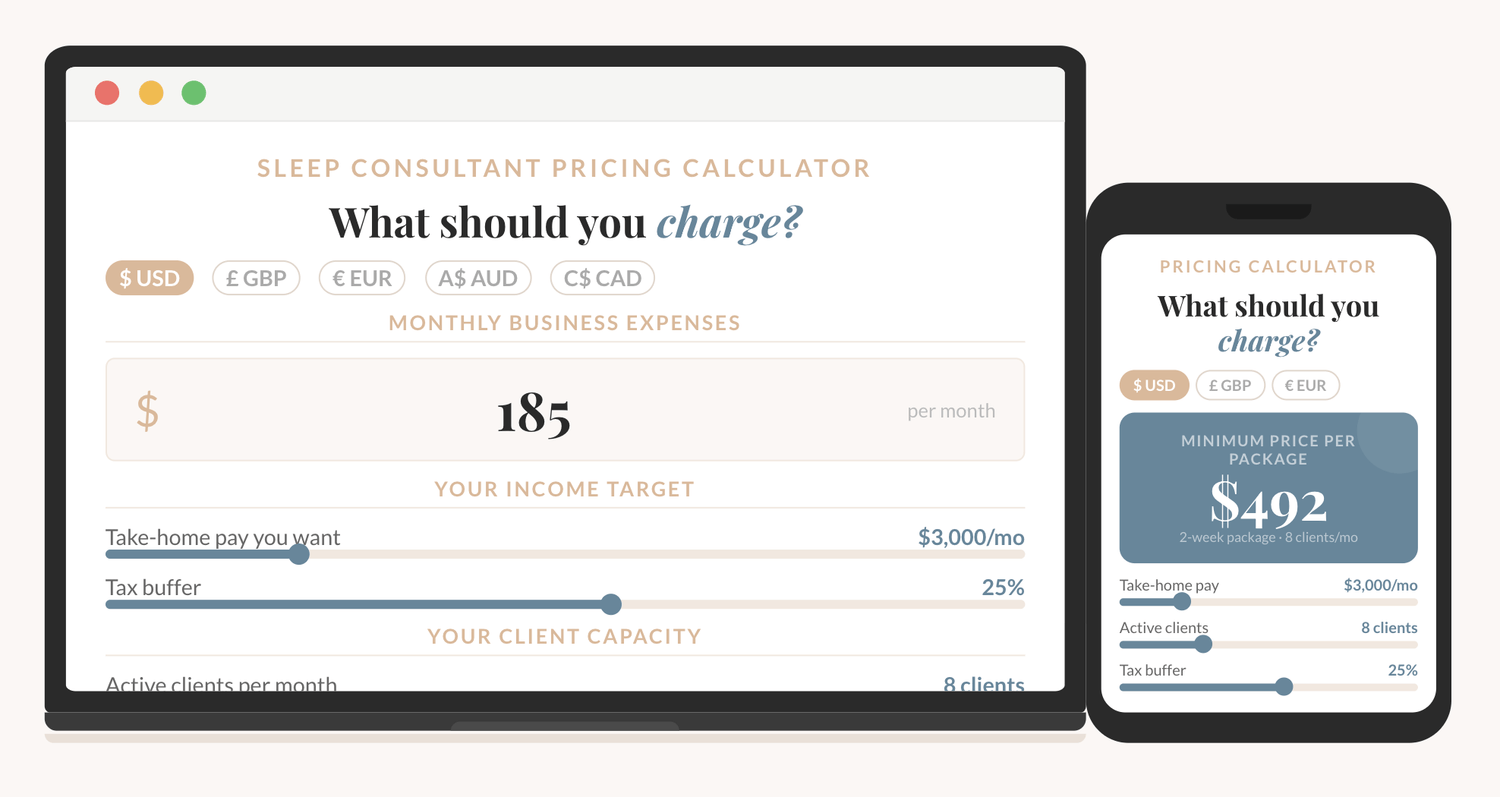
How to price your sleep consulting services?
The Sleep Consultant Pricing Calculator shows you exactly what to charge, based on your real expenses, your income goal, and how many clients you want to take on.
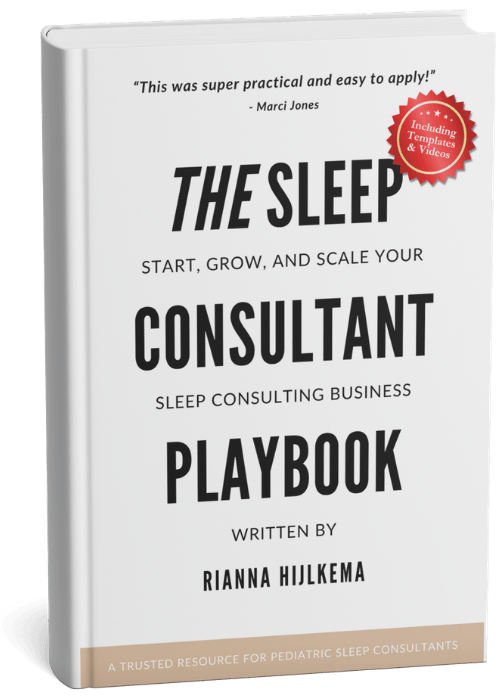
I'm thrilled to offer you an exclusive preview of what’s inside!
You can read the first 22 pages of The Sleep Consultant Playbook and get a taste of the value, insights, and actionable strategies that are waiting for you.
Other articles you might be interested in:
© 2021-2026 Sleep Consultant Business. All Rights Reserved.