
How to Set Up Your Google Business Profile as a Sleep Consultant
A Google Business Profile is a free listing that makes your sleep consulting business appear in Google search results and Google Maps when local parents search for help. Set it up by claiming your profile at business.google.com, completing every field accurately, and verifying your business. Then add photos, write a strong description focused on who you help and how, and start collecting Google reviews from your first clients. It is one of the most powerful and most overlooked tools available to new sleep consultants, and it costs nothing.
In this guide
- Why your Google Business Profile matters more than social media right now
- How to set up your Google Business Profile: step by step
- How to optimise your profile for maximum visibility
- How to get your first Google reviews
- Going further: local directories and listings
- Common Google Business Profile mistakes sleep consultants make
- Frequently asked questions
Most newly certified sleep consultants spend their first weeks building a website and thinking about social media. Both of those things matter. But neither of them does what a Google Business Profile does: put you in front of a parent who is actively searching for a sleep consultant, right now, in your area, at the exact moment they are ready to act.
Your ideal clients are not passively scrolling Instagram hoping to stumble across a sleep consultant. They are up at 3am, exhausted and desperate, typing "sleep consultant near me" or "baby sleep help" into Google. A well-set-up Google Business Profile means your name appears in those results with your photo, your reviews, and a direct link to book. That is the difference between being found and being invisible.
This article walks through everything: setting up your profile from scratch, optimising each section to increase visibility, getting your first reviews, and avoiding the mistakes that keep sleep consultants from showing up in local search results.
Why Your Google Business Profile Matters More Than Social Media Right Now
Social media is a visibility tool. It reaches people who are scrolling, not searching. Your Google Business Profile reaches a completely different kind of person: one who has already decided they need help and is actively looking for someone to provide it. That distinction is significant. A parent searching "sleep consultant [your city]" is at the bottom of the funnel. They are not browsing options. They are looking for a reason to book.
The other reason your Google Business Profile is so valuable early on is that it requires almost no ongoing effort once it is set up and optimised. Unlike social media, which demands regular content, an optimised Google Business Profile keeps working quietly in the background, showing up in searches and building credibility through reviews, with no daily input required from you.
For sleep consultants who serve clients virtually, it is also worth noting that your Google Business Profile can reflect a service area rather than a physical location. You do not need a clinic or office address to have a fully functional profile. You can set your service area to cover your city, your country, or anywhere you work, and still appear in relevant local and regional searches.
I cannot tell you how many sleep consultants I have spoken to who spent months building an Instagram following before they ever set up their Google Business Profile. Social media is where you want to be eventually. But Google is where parents go when they are ready to spend money. Start there first, every time.
How to Set Up Your Google Business Profile: Step by Step
The setup process takes less than an hour. Use the same Google account that is connected to your business domain email, so everything stays aligned under one professional identity.
Step 1: Go to business.google.com and claim your profile
Head to business.google.com and sign in with the Google account connected to your business. Search for your business name. If a listing already exists (sometimes Google creates placeholder listings), claim it. If nothing comes up, create a new profile from scratch. Use the same email address you used to register your domain to keep everything consistent and professional.
Step 2: Enter your business name exactly as it appears everywhere else
Use your full business name with no abbreviations, no keyword stuffing, and no extra descriptors you do not use elsewhere. If your business is registered as "Restful Beginnings Sleep Consulting," that is what goes here. Consistency across your website, directories, and Google Business Profile is important for local SEO. Inconsistencies signal to Google that your business information is unreliable, which affects your ranking.
Step 3: Choose your business category
Select the category that most accurately describes your service. "Child Health Care" or "Pediatric Specialist" are common starting points, though the available options vary by region. You can add secondary categories later. The primary category is weighted most heavily in search rankings, so spend a few minutes testing what categories appear in your area and which ones are most likely to match the terms parents search for.
Step 4: Set your location or service area
If you work from a physical location that clients visit, add that address. If you work virtually or visit clients at their homes, select "I deliver goods and services to my customers" and add your service area instead. You can list multiple cities, regions, or a radius. Be honest about where you actually serve. If you work with families across the country, list the regions where you have the most clients or where you want to grow your presence.
Step 5: Add your contact details and website
Add your phone number, business email, and website URL. Use your professional domain email, not a personal Gmail address. The phone number and email you list here should match what appears on your website and in any other directories. This consistency is part of what Google uses to assess your credibility and affect how prominently your listing appears.
Step 6: Write your business description
You have 750 characters. Use the first 250 well, because that is what appears in search results before the "read more" is clicked. Your description should clearly state who you help, what you offer, and why families should choose you. Include naturally placed keywords like "pediatric sleep consultant," your city or region, and the age groups you work with. Write it in plain language as if you are explaining your service to an exhausted parent at 2am, because that is exactly who is reading it.
Step 7: Verify your business
Google will ask you to verify your business, usually by postcard, phone, or video. For service-area businesses, video verification is increasingly common. This step is required for your profile to appear in search results, so do not skip it or delay it. The postcard option can take up to two weeks. If you are in a hurry, try the video or phone verification options first.
How to Optimise Your Profile for Maximum Visibility
A complete, accurate profile is the foundation. An optimised profile is what makes you appear above competitors in search results. These are the elements that make the biggest difference.
Add photos
Profiles with photos receive significantly more clicks than those without. At minimum, add a professional headshot as your profile photo and a cover image that reflects your brand, such as a warm, calm nursery scene or a parent and child that reflects your ideal client. Add photos of your workspace if applicable. Make sure any images that depict sleep environments show safe sleep practices, loose bedding, soft toys in a cot, or a face-down sleeping baby are not the image you want associated with your sleep consulting business.
List your services
Google Business Profile has a services section where you can list each package you offer with a name and description. Use this. Write each service description the same way you would on your website: transformation-focused, not just a list of what is included. "Newborn Sleep Package: personalised sleep guidance for families in the first 16 weeks, with daily support to help your baby establish healthy sleep foundations" is far more compelling than "Newborn consultation."
Use Google Posts
Google Posts are short updates that appear directly on your Business Profile. You can use them to share a tip, a client win (with permission), a new service, or a relevant article from your website. Posts expire after seven days, but even one post per week signals to Google that your business is active, which contributes to your local ranking. Each post can include a call to action button, so link directly to your Sleep Assessment Call booking page.
Answer the Q&A section proactively
The Q&A section on your profile is public and can be answered by anyone, including people who are not your clients. Get ahead of this by adding your own questions and answering them yourself. Think about what parents most commonly ask before booking: do you work with newborns, do you use cry-it-out methods, how long does the process take, do you offer virtual sessions. Answering these proactively both builds trust and improves your profile's relevance in search.
Set your hours and keep them accurate
Even if you are a solo sleep consultant who works flexible hours, set something reasonable in the hours field and keep it updated. A profile showing "closed" or incorrect hours creates doubt. If your availability genuinely varies, set broad hours that cover when you are typically reachable and note in your description or posts that appointments are by arrangement.
How to Get Your First Google Reviews
Reviews are the single most powerful element of your Google Business Profile. They affect how high you rank in search results, how much trust prospective clients place in you, and whether a parent who finds your listing actually clicks through to book. Three strong, specific reviews will do more for your bookings in the early months than almost anything else you can do online.
The key to getting Google reviews is asking at the right moment, in the right way, and making it as easy as possible. The right moment is at the close of the support phase, when the family has seen the results and is still emotionally connected to the experience. The right way is a direct, warm ask with a specific link. The easier you make the action, the higher the chance it happens.
Here is an example of how to ask in your offboarding email:
Subject: Thank You for Letting Me Support Your Family
Hi [Client's Name],
I just wanted to take a moment to say thank you for trusting me to guide your family on this journey. Watching [child's name] make this progress has been genuinely rewarding for me.
If you feel comfortable, I would love it if you could leave a short review on my Google Business Profile. Your words could be exactly what another exhausted parent needs to see before deciding to reach out for help.
Here is the link: [Insert your Google Business Profile review link]
Thank you again for your trust. Wishing you and your family many peaceful nights ahead.
Warmly,
[Your Name]
A few important rules on reviews. Never offer anything in exchange for a review before it is left, as this violates Google's policies and can result in your profile being penalised or reviews being removed. Never write reviews yourself or ask friends and family who have not used your services to leave them. And always respond to every review you receive, positive or negative, professionally and promptly. Your response is visible to everyone who finds your listing, and how you handle a difficult review says as much about you as the review itself.
To find your direct Google review link, go to your Google Business Profile dashboard, click "Ask for reviews," and copy the link provided. This takes the reviewer directly to the review form without them having to search for your business first. Always use this direct link in your offboarding email. Removing that one extra step meaningfully increases the number of reviews you receive.
Going Further: Local Directories and Listings
Once your Google Business Profile is set up and verified, the next step is to expand your visibility by listing your business in local directories and relevant parenting platforms. These listings do two things: they help parents find you in places beyond Google, and they create backlinks to your website that improve your overall search ranking.
The most useful places to start are parenting blogs and forums in your area, local chamber of commerce directories, family service platforms and childcare directories, and any professional associations related to pediatric sleep consulting that maintain a member directory. You can find relevant directories by searching "local business directories [your city]" or "pediatric sleep consultant directories" on Google.
The single most important rule when creating any directory listing is to use exactly the same business name, address or service area, phone number, email, and website URL that you have on your Google Business Profile. This consistency, sometimes called NAP consistency (Name, Address, Phone), is a significant local SEO signal. Any discrepancy, even something as small as "St." versus "Street" in your address, can dilute the trust signals that help you rank. Check every listing and correct any inconsistencies you find.
When writing your description for each directory, borrow from the description you wrote for your Google Business Profile. Keep the language consistent. End every listing with a clear call to action, such as "Contact me to schedule a free Sleep Assessment Call," so parents know exactly what to do next when they find you.
Common Google Business Profile Mistakes Sleep Consultants Make
Leaving the profile incomplete
A profile with missing photos, no description, and no services listed is far less likely to appear in search results than a complete one. Google uses profile completeness as a ranking signal. More importantly, an incomplete profile tells a parent who finds it that your business is not quite ready, which immediately undermines the trust you are trying to build. Fill in every field before you consider it done.
Inconsistent information across platforms
If your website says one business name, your Google profile says a slightly different version, and your Facebook page has a third variation, Google sees three different businesses rather than one established one. This directly affects your local search ranking. Audit every place your business appears online and make sure the name, contact details, and website URL are identical across all of them.
Not asking for reviews
Most happy clients will not leave a review unless asked. And most sleep consultants never ask, either because it feels uncomfortable or because they assume satisfied clients will do it anyway. They will not, at least not reliably. Build the review request into your offboarding process as a standard step, not an afterthought. Every client who does not leave a review is a missed opportunity that compounds over time.
Not responding to reviews
Every review deserves a response, positive or negative. For positive reviews, a short, warm acknowledgement that thanks the client and reflects back something specific about their experience shows that real care went into the response. For negative reviews, respond calmly, professionally, and briefly. Acknowledge their experience without being defensive and invite them to continue the conversation privately. A well-handled negative review can actually build trust with prospective clients who are watching how you behave under pressure.
Setting it up and never touching it again
An active, updated Google Business Profile ranks better than a stagnant one. As your business evolves, your profile should reflect it: new services, updated photos, recent posts, new testimonials. At the point in Level Three when you are updating your website and broadening your visibility strategy, your Google Business Profile should be one of the first things you update. Add a new blog post, a recent client win, or a seasonal tip. Even small, regular updates signal to Google that your business is current and active.
Frequently Asked Questions
Do I need a physical address to have a Google Business Profile?
No. If you work virtually or travel to clients, you can set up your profile as a service-area business and hide your physical address from public view. You specify the areas you serve, and your profile appears in searches within those areas. This is the correct setup for the majority of sleep consultants, most of whom work remotely or at clients' homes rather than from a commercial space.
How long does it take to show up in Google search results after setting up my profile?
Once your profile is verified, it typically appears in search results within a few days. Your ranking in local search results will improve over time as your profile gains more reviews, more activity, and more consistency with the rest of your online presence. Do not expect to rank at the top overnight. Focus on completing the profile fully, getting your first reviews, and keeping it active, and visibility will build steadily.
What should I do if someone leaves a fake or unfair negative review?
First, respond to it professionally and calmly, as described above. Then flag it to Google using the "Report a review" option in your dashboard. Google will investigate if the review violates their policies, such as reviews from people who were never your client or reviews containing false factual claims. The removal process can take time and is not guaranteed, but it is worth pursuing for clearly fake reviews. In the meantime, the best counterbalance to a negative review is more genuine positive ones.
Can I have a Google Business Profile if I am not yet registered as a formal business?
Yes. You do not need to be a registered company to create a Google Business Profile. Sole traders and individuals operating under their own name are eligible. Set it up with whatever business name you use professionally, even if that is simply your own name. The profile can always be updated as your business structure evolves.
How many reviews do I need before my profile looks credible?
Three strong, specific reviews that describe real outcomes will do more for your credibility than ten vague one-liners. Quality matters far more than quantity in the early stage. Focus on getting three genuine, detailed reviews from your first clients, and your profile will already look more trustworthy than most competitors with no reviews at all.
Should I use the same description on my Google Business Profile as on my website?
Keep the core message consistent, but do not copy it word for word. Your Google Business Profile description is limited to 750 characters and is read by a different kind of visitor than your website, someone who found you through a search and is scanning quickly. Prioritise the most important information first: who you help, what you offer, and where you are based. Write it as a clear, direct summary that reflects your website, without duplicating it exactly.
Key Takeaways
- Your Google Business Profile reaches parents who are already looking to book, not just scrolling. Set it up before you invest time in social media.
- Complete every field. Profile completeness is a ranking signal. A half-finished profile ranks lower and builds less trust than a complete one.
- Consistency is everything. Your business name, contact details, and website URL must match exactly across your Google profile, website, and every directory listing.
- Reviews are your most powerful asset. Ask every satisfied client. Use a direct link. Make it easy. Three strong, specific reviews will do more for your visibility than months of posting on Instagram.
- Respond to every review, positive or negative. Your responses are public and visible to every prospective client who finds your listing.
- Keep it active. Regular posts, updated services, and new photos signal to Google that your business is current. Even small updates make a difference to your ranking over time.
Your Google Business Profile is free, takes less than an hour to set up, and keeps working for you long after you have moved on to other things. There are very few things in business that offer that kind of return for that little investment. Set it up today.
Disclaimer: The information shared in these articles is for educational and informational purposes only. It does not constitute legal, financial, or professional advice. Always consult with a qualified professional regarding your specific situation.

Rianna Hijlkema
Certified Pediatric Sleep Consultant, Certified Postpartum Doula, Former Teacher & School Director, Founder of Sleep Consultant Design & Sleep Consultant Business and the author of The Sleep Consultant Playbook (available on Amazon).
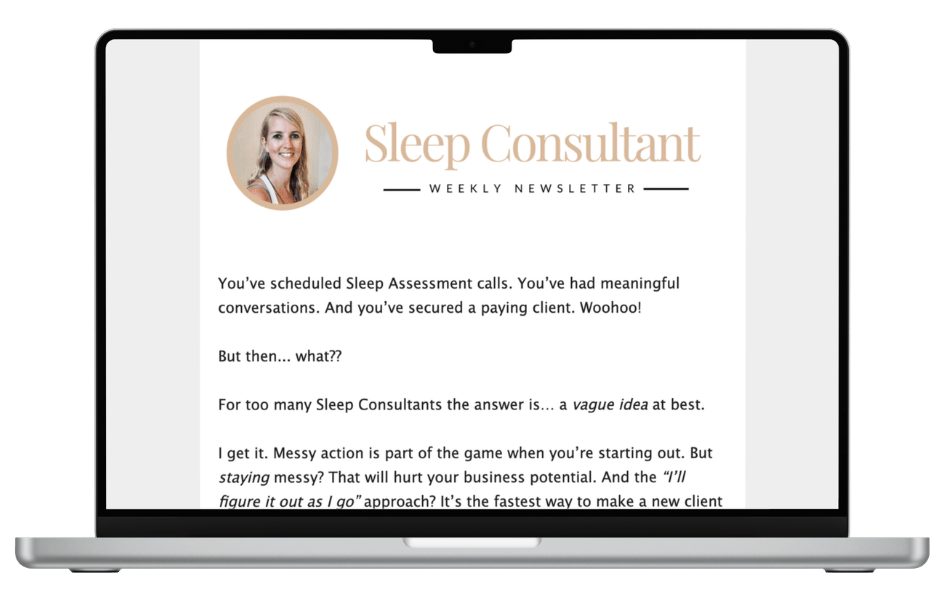
The Sleep Consultant Newsletter
Weekly tips, strategies and marketing ideas for sleep consultants written by a fellow sleep consultant. 1500+ active subscribers!
I’ll only send helpful emails, and you can unsubscribe anytime with one click.
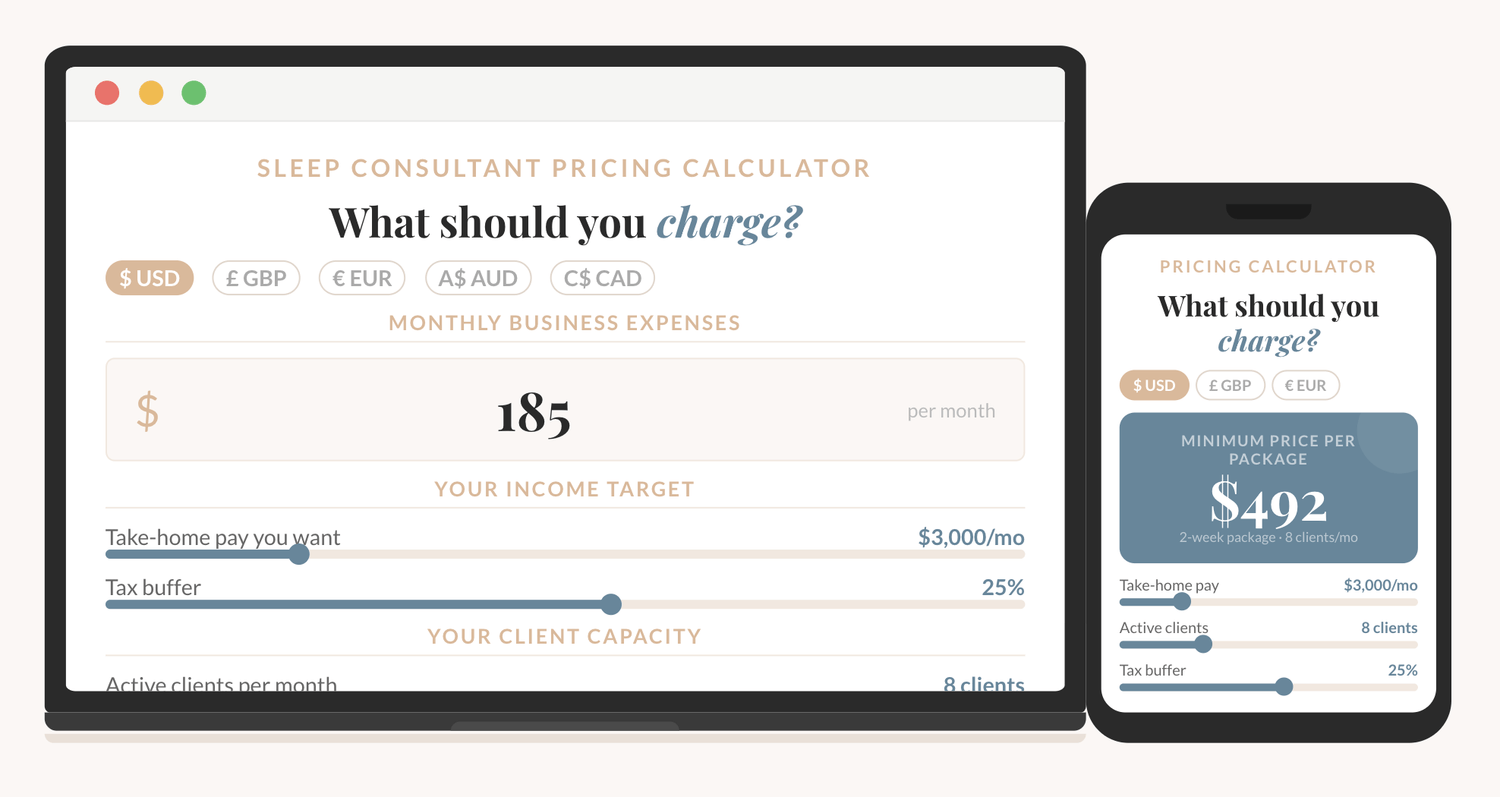
How to price your sleep consulting services?
The Sleep Consultant Pricing Calculator shows you exactly what to charge, based on your real expenses, your income goal, and how many clients you want to take on.
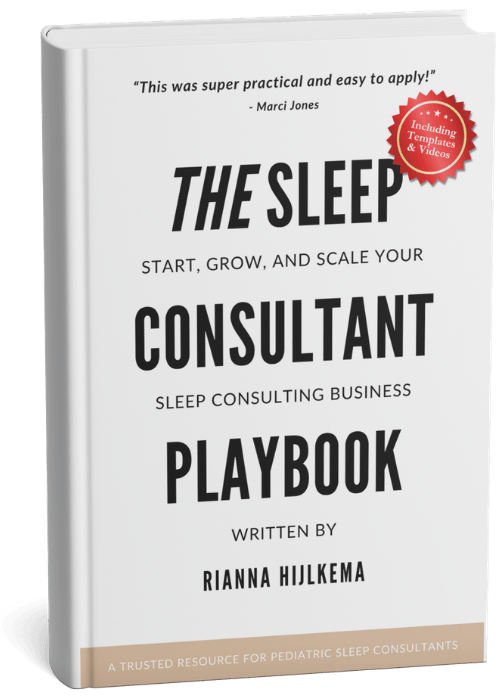
I'm thrilled to offer you an exclusive preview of what’s inside!
You can read the first 22 pages of The Sleep Consultant Playbook and get a taste of the value, insights, and actionable strategies that are waiting for you.
Other articles you might be interested in:
© 2021-2026 Sleep Consultant Business. All Rights Reserved.